Skip to content
Cjis

CJIS compliance without the spreadsheet maze

Answer 12 questions and see your readiness across the CJIS Security Policy areas. Then keep every control, policy, person and training date audit-ready.

Check your CJIS readiness

No card required. No CJI ever stored. Not affiliated with the FBI.

Empty county courtroom seen through its open double doors, with the judge's bench, wooden rail, witness stand, flags and rows of benches in afternoon light
- / 12

Twelve quick questions

Step 2 of 2. Answer for the systems that store, process or transmit CJI.

  1. Mapping answers to policy areas
  2. Scoring priority controls
  3. Building your gap list

Live compliance feed

1Open gaps

2Due this month

3Evidence attached

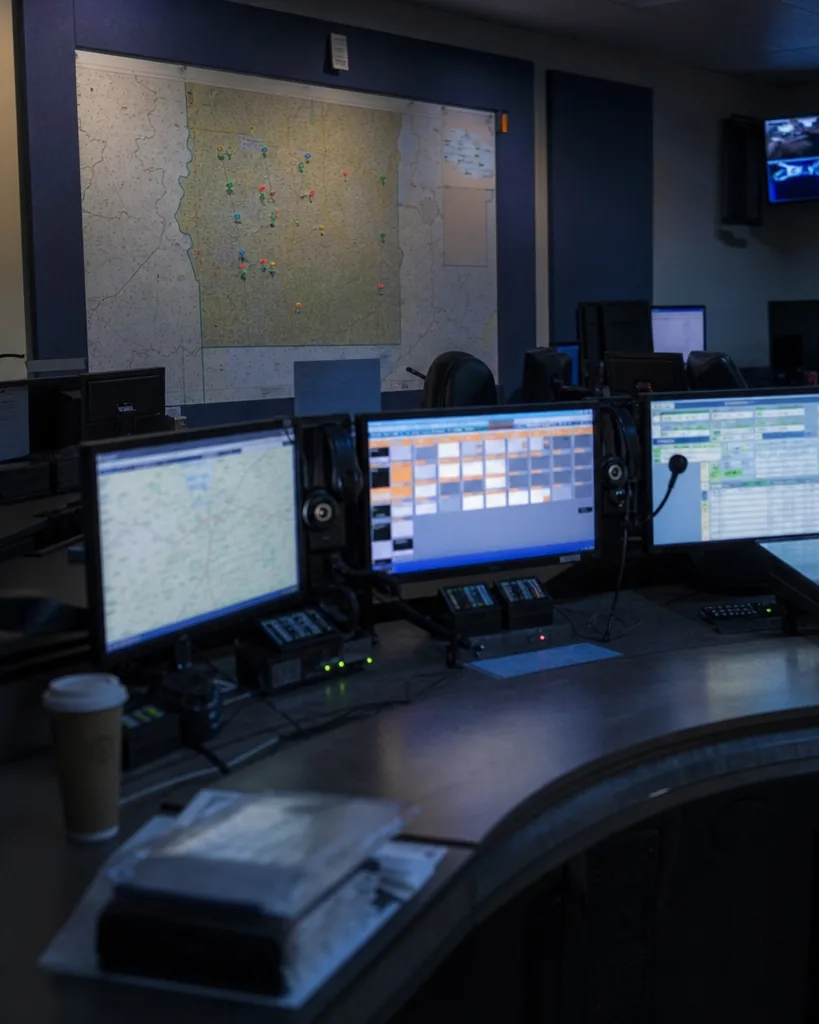
Empty 911 dispatch center consoles with multiple monitors, headsets on hooks and a wall map in dim blue light
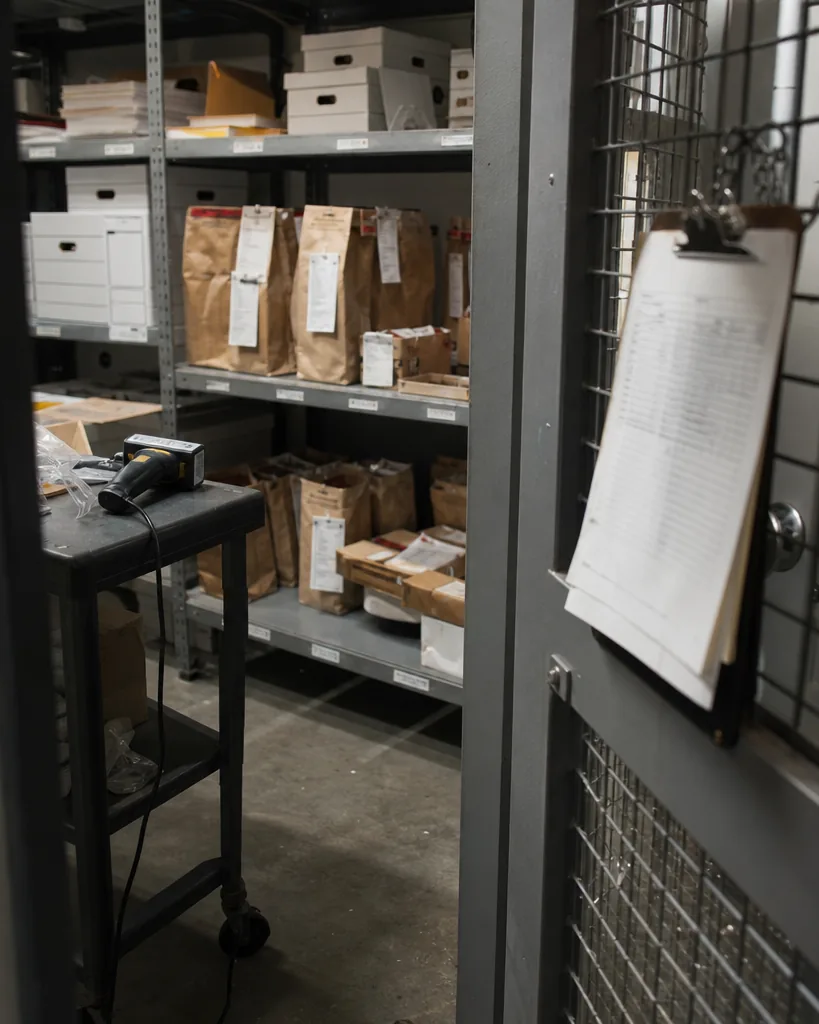
Police evidence and records storage room with labeled boxes, sealed evidence bags with chain of custody tags and a signed log on a clipboard

From gap to evidence in one record

Cjis follows the order an auditor thinks in. You find the gap, give it an owner, close it, attach the proof and hand the agency one current report.

  1. 01

    Assess

    Answer questions mapped to the CJIS Security Policy areas and the v6.0 control families. Cjis scores each area and ranks the gaps by priority, P1 first.

  2. 02

    Assign

    Every gap becomes a task with an owner, a due date and a note. Your team sees what is theirs and what is late.

  3. 03

    Fix

    Use the policy templates, record the configuration change and mark the requirement done. Partial work stays visible as partial.

  4. 04

    Prove

    Attach screenshots, configuration exports, signed agreements and log reviews to the control they support. Never CJI, only proof that the control works.

  5. 05

    Report

    One PDF and one read-only link per agency, with your assessment summary, control status, policies, personnel table and evidence index.

Every CJIS policy area in one list

Cjis organizes your record by the v6.0 control families and keeps a mapping for states that still audit against v5.9.5. Read the full CJIS Security Policy guide or the CJIS compliance requirements by area.

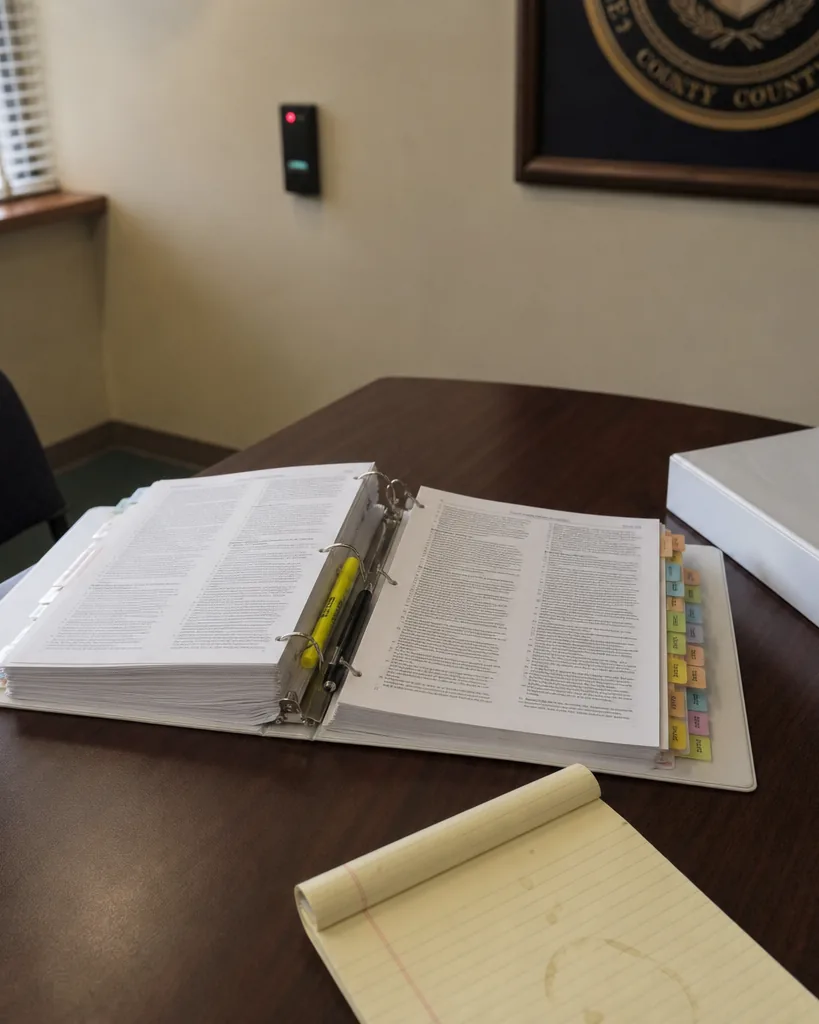
A thick printed security policy binder open on a courthouse IT office table with colored index tabs, highlighter and pen
Control family What Cjis tracks Read the guide
01 Access Control Account types, least privilege, session limits, remote access rules
02 Awareness and Training Training due dates per person, completion records, certificates
03 Audit and Accountability Logged events, log retention, review records
04 Assessment, Authorization and Monitoring Assessments, findings, corrective action plans
05 Configuration Management Baselines, change records, approved software
06 Contingency Planning Backup and recovery plans, test dates
07 Identification and Authentication MFA coverage, password rules, identifier management
08 Incident Response Plan, test records, incident reports to the agency
09 Maintenance Maintenance records, escorted vendor access
10 Media Protection Media handling, sanitization and destruction records
11 Physical and Environmental Protection Physically secure locations, visitor control
12 Planning System security plans, rules of behavior
13 Personnel Security Fingerprint-based checks, terminations, transfers
14 Risk Assessment Risk reviews, vulnerability scans
15 System and Services Acquisition Vendor requirements, contract language
16 System and Communications Protection Encryption, boundary protection, FIPS 140 evidence
17 System and Information Integrity Patching, malware protection, alerts
18 Supply Chain Risk Management Supplier review and approved components
19 Information Exchange Agreements Security Addendum, management control agreements, user agreements
20 Mobile Devices Device management, remote wipe, approved apps

Every requirement carries its priority, P1 to P4, so you fix first what auditors check first.

Read the policy guide

The modules your audit depends on

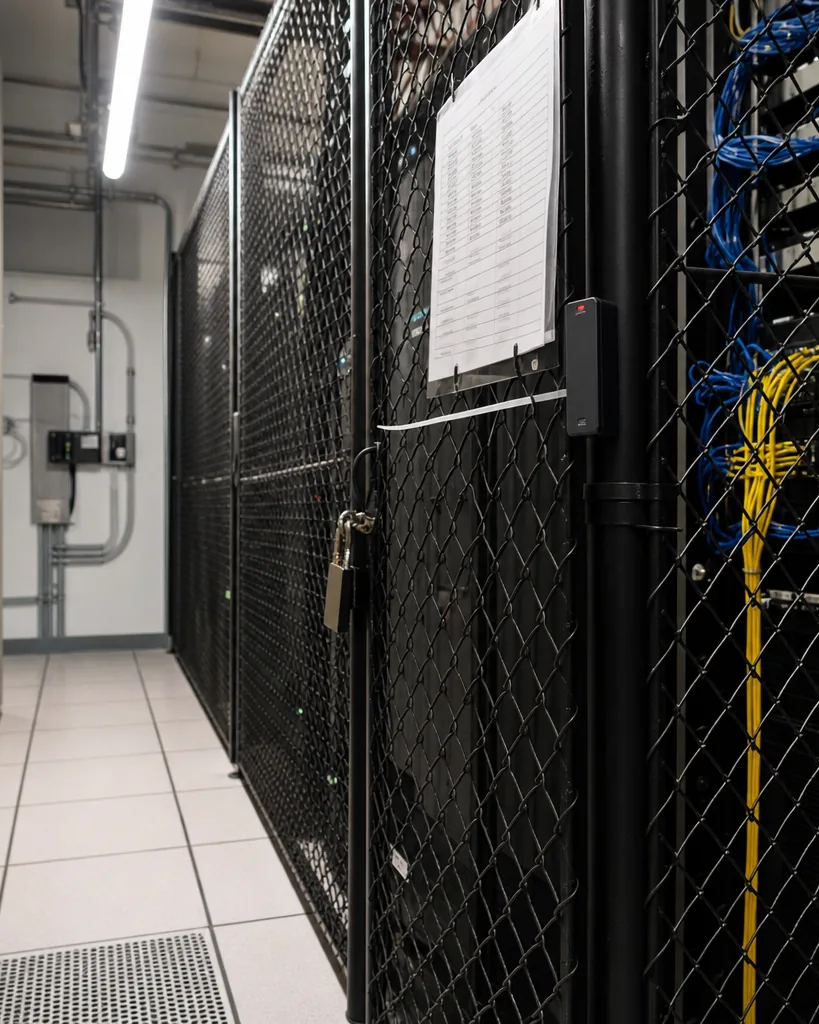
Locked server cage in a county government data room with a card reader and a laminated access roster on the door
personnel12 records

Personnel register and training

One record for everyone with physical or logical access to CJI: role, access level, fingerprint-based background check date, Security Addendum certification for vendor staff and the next training due date. Cjis reminds each person 30 and 7 days before training expires. CJIS training tracking
policies9 templates

Policy templates

Editable templates for access control, incident response, media sanitization, mobile devices, passwords and advanced authentication, personnel screening, awareness training, physical security and configuration management. Each template keeps its version history and an annual review date. CJIS policy templates

evidence2.1 GB of 25 GB

Evidence locker

Proof attached to the control it supports, with dates and owners. Every upload reminds you that CJI does not belong in Cjis, and file names are checked before saving.

agency reports3 agencies

Agency report

One report per agency you serve, as a PDF and a read-only link. Vendors serving several agencies keep a separate, clean record for each. CJIS audit preparation

Works with what you already run

Cjis sits next to your identity provider, your HR records and your security tools. It does not ask you to replace anything.

  • Single sign-on through SAML with your identity provider (Enterprise)
  • CSV import of personnel and training records
  • Evidence upload from any system as files and screenshots
  • Agency report as PDF and as a read-only link
  • Full export of your compliance data at any time
  • Works alongside your state training platform
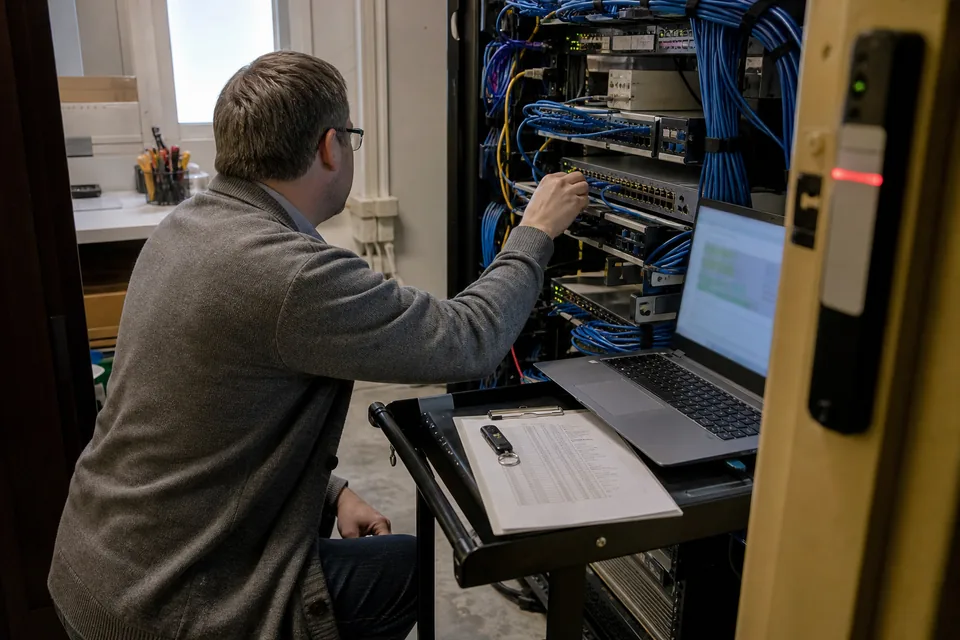
County office IT closet with a network rack, a patch panel, a small rack-mounted server and a laptop on a cart beside an access badge reader

For the person who signs

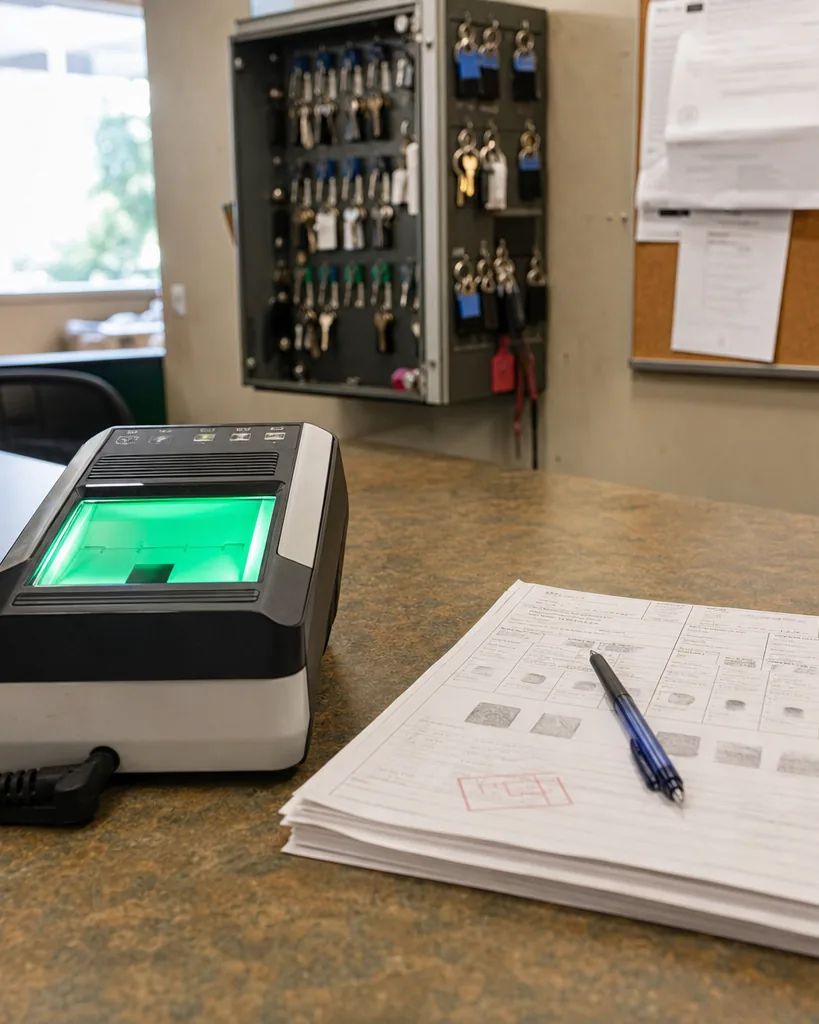
Live-scan fingerprint station on the counter of a county sheriff's records office, with printed background check forms beside it
01

For a vendor CEO or founder

A vendor that cannot answer a CJIS questionnaire waits while the agency's procurement clock runs. Cjis turns the questionnaire into a current record you can send the same week, so deals move instead of stalling in security review. CJIS compliance for vendors

02

For a chief or sheriff

Undocumented training or background checks become audit findings, and findings put your access to state and national systems at risk. Cjis keeps those records complete and dated, and shows your LASO what is due before the auditor asks. CJIS compliance for agencies

03

For both

Spreadsheet chasing and repeat consultant hours give way to one record that stays current and one report the agency can read.

Cjis compared with a spreadsheet, a consultant and a generic GRC tool

Most teams start CJIS work in one of these four ways. Here is what each one gives you for the policy areas, the people and the agency report.

Records clerk at a wooden desk in a police records office comparing a thick spreadsheet printout with ring binders, using a ruler and a highlighter
Need Cjis Spreadsheet Consultant Generic GRC tool
Readiness score by CJIS Security Policy area Yes No Once per engagement Not CJIS specific
Controls mapped to the v6.0 priorities Yes Built by hand In the consultant report Framework set up by you
CJIS policy and procedure templates Yes No Yes General templates
Personnel register with screening and training dates Yes A separate sheet No Partly
Evidence attached to each control Yes Links in cells A folder at the end Yes
Reminders before training and reviews expire Yes No No Yes
Report for each agency Yes Built by hand Once per engagement Not CJIS specific
Monthly price From $49 Staff time only Billed per engagement Priced for broad frameworks

Cjis supports your compliance work. It is not an FBI certification and not legal advice.

Estimate your audit prep hours

Set your own numbers. The estimate shows the yearly hours that go into audit prep today and how many come back each cycle when the record stays current.

Audit prep hours per year today
Hours back per year with a current record

The estimate uses your numbers only. It is a planning aid, not a promise of results.

Check my readiness

CJIS compliance software pricing

Every plan includes the full assessment across all policy areas, reminders and the agency report. Pay yearly and save 50%.

Starter

For a small vendor or a small agency starting out.

$24 per month

$288 billed yearly

Monthly

  • 10 personnel records
  • 1 admin seat
  • Assessment and checklist for all areas
  • 10 core policy templates
  • 2 GB evidence storage
  • Agency report for 1 agency
  • Training and background check reminders

Team

For a vendor in active procurement, or a department with up to about 75 people with CJI access.

$99 per month

$1,188 billed yearly

Monthly

  • 75 personnel records
  • 5 admin seats
  • Assessment and checklist for all areas
  • All policy templates
  • 25 GB evidence storage
  • Agency reports for 3 agencies
  • Training and background check reminders

Pro

For vendors serving many agencies, mid-size agencies and MSPs.

$249 per month

$2,988 billed yearly

Monthly

  • 300 personnel records
  • Unlimited admin seats
  • Assessment and checklist for all areas, per system
  • All policy templates plus custom templates
  • 100 GB evidence storage
  • Agency reports for 25 agencies
  • Training and background check reminders
  • Roles, permissions and audit log

Enterprise

For county IT, large agencies and vendors with several products.

$499 per month

$5,988 billed yearly

Monthly

  • Unlimited personnel records
  • Unlimited admin seats
  • Assessment and checklist for all areas, per system and subsidiary
  • All policy templates plus custom templates
  • 1 TB evidence storage
  • Unlimited agency reports
  • Training and background check reminders
  • Roles, permissions and audit log
  • SAML single sign-on and multiple organizations
  • Priority support with a response SLA
  • Annual invoice payment
PlanMonthlyYearly, per monthBilled yearly
Starter$49$24$288
Team$199$99$1,188
Pro$499$249$2,988
Enterprise$999$499$5,988

Subscriptions renew automatically. Cancel any time and keep access to the end of the paid period. Payments are final, see the refund policy. Full details on the pricing page.

CJIS compliance questions

See all questions
Is Cjis an FBI certification?
No. The FBI does not certify companies as CJIS compliant. Cjis helps you prepare for review by the agencies you serve and for audits by your state CJIS Systems Agency. Read more about CJIS certification.
Do we upload CJI into Cjis?
Never. Cjis stores compliance records and evidence that a control works, not criminal justice information. Every upload screen says so and file names are checked.
Which policy version does Cjis follow?
Cjis is organized by the v6.0 control families with a v5.9.5 mapping for states still auditing on it, and it is updated when the FBI publishes changes.
Does Cjis replace our state's training platform?
No. Cjis tracks training next to your state platform, stores completion records and reminds people before their training expires.
Is this legal advice?
No. Cjis is a compliance tool. Your state CSA and the agencies you serve decide how the policy applies to you.
Can a vendor keep separate records per agency?
Yes. Team covers 3 agencies, Pro covers 25 and Enterprise has no limit, each with its own report.
Can we pay yearly by invoice?
Yes, on Enterprise annual plans. Other plans pay by card, monthly or yearly.
Can we cancel?
Yes, any time. Access runs to the end of the paid period and payments are final under the refund policy.
Where is our data?
Hosted in the United States, encrypted in transit and at rest, and exportable at any time. See security.

See where you stand on CJIS today

Twelve questions, about two minutes, and a readiness score for every policy area.

Check my readiness